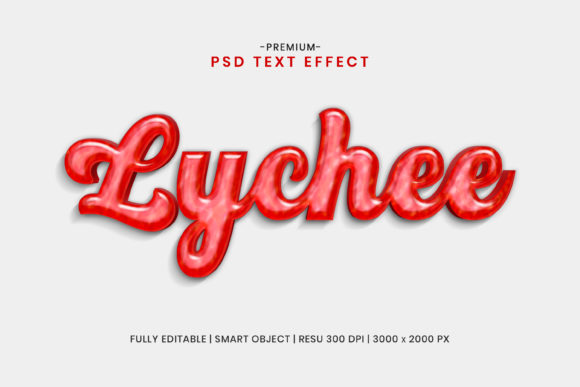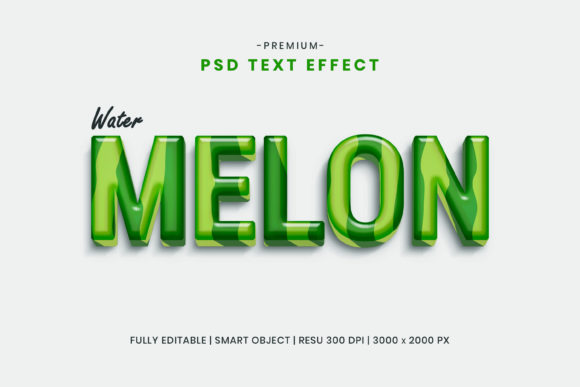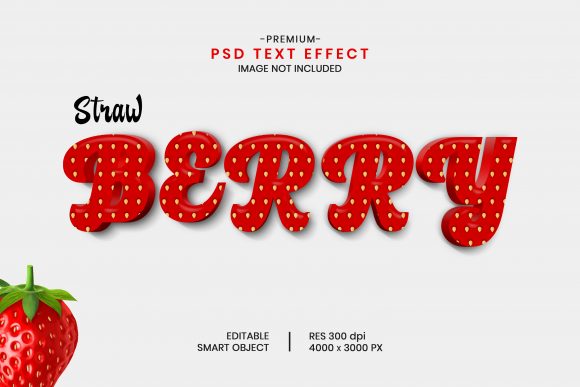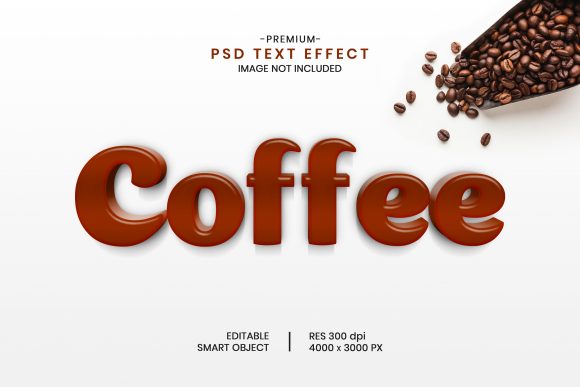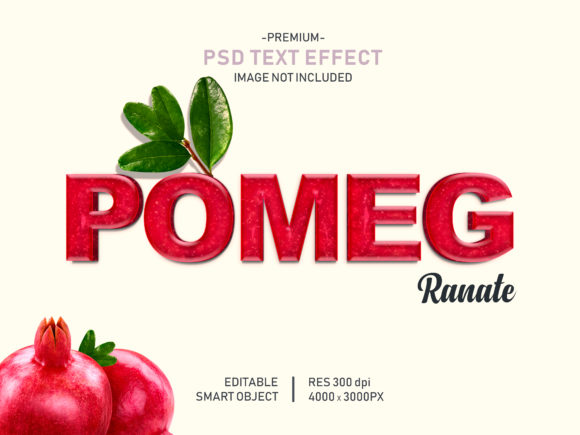
Pomegranate Editable 3D Text Effect
In the visual landscape of digital marketing and content creation, typography is rarely just about readability; it is about presence. When you are designing a product label, a social media banner, or a high-impact blog header, standard flat text often fails to capture attention in a crowded feed. This is where specialized design assets bridge the gap between good ideas and professional execution. The Pomegranate Editable 3D Text Effect represents a specific solution for designers and marketers who need to inject depth, texture, and organic warmth into their projects without spending hours building complex layer styles from scratch.
This template is not merely a font file; it is a comprehensive PSD (Photoshop Document) structure designed around the concept of "smart objects." For professionals aged 20 to 50 who juggle multiple roles—from entrepreneur to educator—the efficiency gained by using such tools can be the difference between a rushed deadline and a polished final deliverable. By leveraging the inherent properties of the pomegranate aesthetic—rich reds, intricate seeds, and organic curves—this effect allows creators to communicate vitality and premium quality through their text alone.
The Mechanics of Smart Object Efficiency
To understand the value of this template, one must first appreciate the workflow bottleneck it eliminates. Traditional text effects in Adobe Photoshop often require manual adjustments to shadows, inner glows, bevels, and gradient overlays. If a client requests a color change or a different word entirely, recreating these effects manually is time-consuming and prone to inconsistency. The Pomegranate Editable 3D Text Effect solves this by utilizing smart object technology.
Smart objects act as containers that preserve image data while allowing for non-destructive editing. In practical terms, this means you do not need to be a master graphic designer to achieve complex results. The process is streamlined into three intuitive steps:
- Navigate to the Layer: Locate the designated text layer within the well-organized PSD file.
- Double-Click to Edit: Simply double-click the smart object thumbnail. This opens a new window containing the placeholder geometry.
- Place Your Design: Insert your own text, shape, or vector logo into this window. Once you save the changes and close the window, the main document automatically updates with your new content, complete with all the applied 3D textures and lighting effects.
This workflow ensures that your presentation is ready almost instantly. Whether you are a freelancer managing tight turnaround times or a small business owner handling your own branding, this feature reduces the technical barrier to entry, allowing you to focus on the message rather than the mechanics of software manipulation.
Why Organic Texture Matters in Digital Communication
The choice of a pomegranate theme is strategic. Unlike metallic, neon, or icy text effects which convey coldness or artificiality, organic textures evoke natural, wholesome, and premium associations. This makes the Pomegranate Editable 3D Text Effect particularly suitable for industries centered around health, wellness, food and beverage, cosmetics, and artisanal products.
Consider a scenario where a holistic skincare brand is launching a new serum. A flat, sans-serif font might look clean, but it lacks emotional resonance. By applying this 3D text effect, the text itself becomes part of the product experience. The deep red hues suggest richness and potency, while the textured surface implies natural ingredients. For bloggers and educators, this level of visual storytelling helps break up dense text blocks and draws the eye to key takeaways, improving engagement rates without distracting from the core content.
Furthermore, the versatility of the template extends beyond simple words. Because the smart object container accepts various shapes and vector logos, it can be used to create distinctive brand marks. A bakery could use the effect to make their logo appear as if it were carved from fruit leather, while a tech startup might use it ironically to contrast modern code with organic forms, creating a memorable juxtaposition.
Technical Specifications and Workflow Integration
For the results to look professional, the underlying asset must support high-quality output. The Pomegranate Editable 3D Text Effect is delivered in a high-resolution format of 4000×3000 pixels at 300 DPI. This specification is critical for several reasons:
- Print Readiness: At 300 DPI, the file is suitable for high-quality print materials such as brochures, packaging labels, and posters. Users can scale the text down for web use or keep it large for physical displays without losing sharpness.
- Detailed Texture Visibility: High resolution ensures that the intricate details of the pomegranate seeds and skin texture remain visible even when zoomed in. Low-resolution templates often result in pixelated edges or muddy textures, which can undermine the perceived quality of the final design.
- Flexibility in Composition: The generous canvas size allows designers to experiment with layout variations. You can place the text centrally for a poster, or crop sections for social media stories and headers.
Additionally, the template features 100% editable layers that are well-organized. In complex PSD files, it is common to find chaotic layer stacks that make further customization difficult. Here, the structure is logical, allowing users to adjust individual components if they wish to tweak the lighting angle or shadow intensity. However, for those who prefer a quick fix, the default settings are calibrated to provide a balanced, visually appealing result immediately.
Who Benefits Most from This Template?
While any designer with access to Adobe Photoshop can use this tool, specific groups will find the most immediate return on investment:
Marketing Professionals and Agencies: When pitching concepts to clients, having a library of high-quality, editable text effects allows agencies to present mockups rapidly. Instead of waiting for a dedicated typographer, a marketing manager can generate compelling visuals in minutes, accelerating the approval process.
E-commerce Store Owners: Product photography often struggles to compete with professional graphics. Using this text effect for promotional banners, sale announcements, or feature highlights can elevate the store’s aesthetic, making it feel more established and trustworthy. It helps small businesses compete visually with larger brands that have bigger design budgets.
Social Media Content Creators: In an era dominated by visual platforms like Instagram and Pinterest, static images need to pop. This 3D effect adds depth that stands out against flat backgrounds. Creators can quickly swap out quotes, product names, or event dates, maintaining a consistent yet dynamic visual identity across their channels.
Educators and Presenters: For educators creating slide decks or online course materials, visual variety helps maintain student attention. Applying this effect to chapter titles or key definitions can transform dry slides into engaging learning modules, supporting better retention and interest.
Practical Considerations and Limitations
While the Pomegranate Editable 3D Text Effect offers significant advantages, it is important to approach its use with realistic expectations. First, the template requires Adobe Photoshop or compatible software that supports PSD smart objects. Users relying on simpler, browser-based design tools may find this file inaccessible, so ensuring you have the right software environment is a prerequisite.
Secondly, the heavy texturing of the effect works best with bold, legible fonts. Delicate script fonts or very thin typefaces may get lost in the detailed background of the pomegranate texture. When selecting text to place inside the smart object, choose weights that complement the organic volume of the design. Overly long sentences may also become difficult to read due to the complexity of the surrounding 3D elements, so brevity is key to effective communication.
Finally, while the template uses free fonts for the base structure, always verify licensing if you plan to modify the font family significantly for commercial distribution. Although the effect itself is a design asset, the integration of third-party fonts should always respect intellectual property rights to avoid legal complications.
Conclusion
The Pomegranate Editable 3D Text Effect is more than just a decorative add-on; it is a productivity multiplier for anyone involved in visual communication. By combining the ease of smart object editing with high-resolution, organically themed aesthetics, it empowers users to produce professional-grade designs quickly and efficiently. Whether you are enhancing a brand identity, creating engaging social content, or preparing educational materials, this template provides a reliable foundation for turning simple text into impactful visual statements. In a digital world that demands both speed and quality, leveraging such targeted tools can significantly streamline your creative workflow and elevate the overall perception of your work.