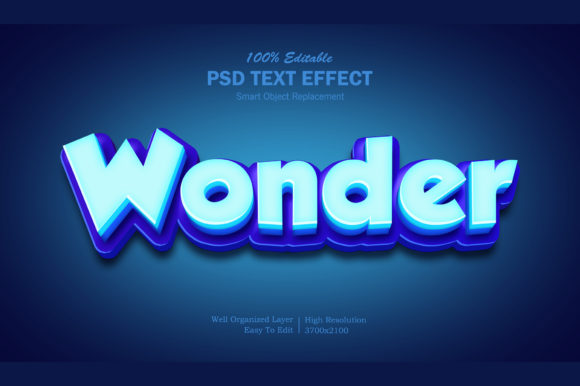
Evaluating the 3D Wonder Photoshop Text Effect for Professional Design Projects
In the realm of digital graphic design, text is rarely just about conveying a message; it is often the primary visual anchor that dictates the tone and aesthetic of an entire composition. For designers working in Adobe Photoshop, achieving high-quality typographic effects has traditionally required a steep learning curve involving complex layer styles, manual shading, and intricate blending modes. The 3D Wonder Photoshop Text Effect emerges as a streamlined solution to this common bottleneck, offering a pre-built framework that promises professional results with minimal friction. This resource is not merely a font pack or a simple preset; it is a fully functional PSD template designed to accelerate workflow while maintaining high visual fidelity.
This analysis explores the capabilities, technical specifications, and practical applications of the 3D Wonder effect, helping designers determine whether it fits into their current toolkit or if alternative approaches might better serve specific project needs.
Understanding the Core Mechanism: Smart Object Workflow
The defining characteristic of the 3D Wonder Photoshop Text Effect is its reliance on Adobe’s Smart Object technology. Unlike static image files or basic PNG overlays, Smart Objects allow for non-destructive editing. This means that the underlying structure of the text effect remains intact regardless of how many times you modify the content. To utilize this feature, a designer simply double-clicks the smart object layer named "Your Text - Replace." This action opens a temporary document where the user can input their desired copy. Upon saving and closing that window, the main file automatically updates, rendering the new text with all applied shadows, bevels, lighting, and textures instantly.
This workflow represents a significant shift from traditional methods. In the past, creating a custom 3D-style title might involve manually adjusting the "Bevel and Emboss" settings, tweaking inner shadows, and painting highlights pixel by pixel. With the 3D Wonder effect, these variables are pre-calculated. The tradeoff here is a reduction in granular control over individual pixels, but the gain in speed is substantial. For projects with tight deadlines, such as social media campaigns or rapid prototyping, this efficiency is invaluable. However, for designers who require bespoke adjustments to the curvature of a single letter’s shadow, the fixed nature of the template may feel restrictive.
Technical Specifications and Quality Standards
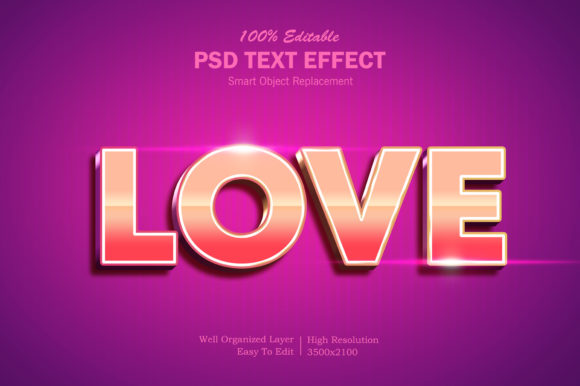
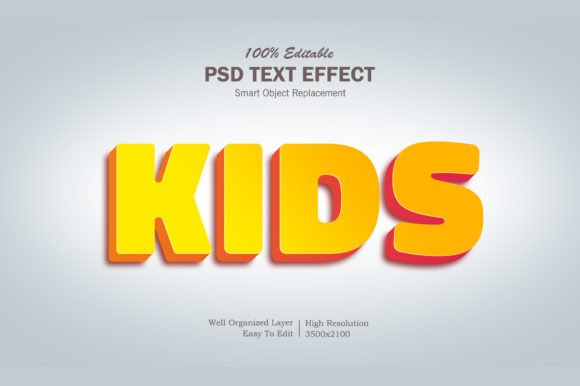
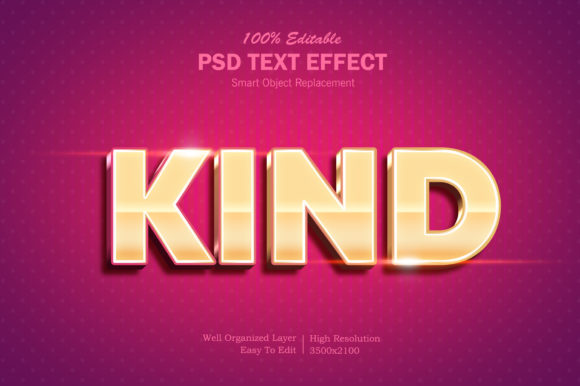
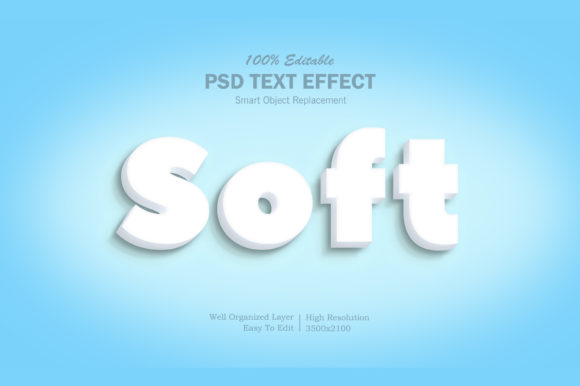
When evaluating any digital asset, resolution and organization are critical factors that dictate its usability across different mediums. The 3D Wonder Photoshop Text Effect addresses these concerns with robust technical specifications. The file is provided at a high resolution of 3500x2100 pixels at 300 dpi. This density ensures that the text effect remains crisp and clear even when printed on large-format materials like posters, banners, or signage. Many free or low-cost templates suffer from pixelation when scaled up, but the dimensions provided here offer ample room for creative cropping and resizing without compromising quality.
Furthermore, the internal architecture of the PSD file is described as "well-organized." In complex Photoshop files, layer chaos is a common source of frustration. A disorganized file can make it difficult to isolate specific elements for further editing or to understand how the final image was constructed. The 3D Wonder effect mitigates this by providing clearly labeled layers. This organization allows users to experiment safely; for instance, one might toggle visibility on background texture layers to see how they interact with the text, or adjust the opacity of specific shadow components without breaking the overall effect. The inclusion of a help file and a "Read Me.txt" guide further supports users who may be less familiar with advanced Photoshop techniques, lowering the barrier to entry for junior designers or hobbyists.
Versatility Across Design Categories
One of the strongest arguments for adopting the 3D Wonder Photoshop Text Effect is its broad applicability. Typography is ubiquitous in design, and a versatile text effect must perform well across diverse contexts. The resource explicitly lists a wide array of potential use cases, ranging from digital interfaces to physical merchandise.
- Digital Media: The effect is suitable for creating eye-catching Facebook covers, YouTube channel art, and Twitter headers. In these formats, text often competes with imagery for attention, and the depth provided by a 3D style can help typography stand out against busy backgrounds.
- Print Collateral: Because of the high DPI output, the effect translates well to flyers, posters, and greeting cards. The tactile illusion created by the 3D styling adds a sense of premium quality to printed materials.
- Branding and Merchandise: Designers can apply the effect to T-shirt designs, clothing graphics, and logo presentations. The bold nature of 3D text works particularly well for streetwear aesthetics or cartoon titles where impact is prioritized over subtlety.
- Web Elements: It can serve as a centerpiece for website hero sections or promotional banners, providing a focal point that draws the user’s eye immediately.
This versatility suggests that the 3D Wonder effect is not a niche tool but rather a general-purpose asset. However, designers should consider the stylistic limitations. A heavy, glossy 3D effect may clash with minimalist brand identities that favor flat design principles. In such cases, the effect might need to be toned down significantly or used only for specific accent elements rather than primary headings.
Comparative Analysis: Templates vs. Custom Creation
To make an informed decision, it is helpful to compare using a pre-made template like the 3D Wonder Photoshop Text Effect against building a similar effect from scratch. When constructing a 3D text effect manually, a designer gains absolute control. They can choose specific lighting angles, adjust the roughness of the surface, and manipulate reflections to match a unique environment. This approach is ideal for high-end advertising campaigns where every pixel must align with a specific artistic vision.
Conversely, the template-based approach offered by 3D Wonder prioritizes consistency and speed. If a designer is producing multiple assets for a client—such as a series of social media posts or a set of event flyers—they may not have the time to recreate the perfect 3D style for each iteration. Using a standardized template ensures brand consistency while drastically reducing production time. The "100% editable" claim indicates that while the base style is fixed, users can still swap out colors, change fonts (within the constraints of the layer style), and modify backgrounds. This balance makes it a strong contender for freelance designers and marketing teams who value efficiency.
Limitations and Considerations
No single resource is a panacea. Users should be aware that the effectiveness of the 3D Wonder Photoshop Text Effect depends heavily on the choice of font. Complex, decorative fonts may become illegible when subjected to heavy 3D extrusion and shadowing. Additionally, because the effect relies on specific layer styles, moving the file to other software like Affinity Photo or GIMP may result in compatibility issues unless those programs support PSD layer styles accurately. Therefore, this resource is best suited for workflows strictly within the Adobe ecosystem.
Decision Factors: Is It Right for You?
Choosing whether to incorporate the 3D Wonder Photoshop Text Effect into your workflow depends on several factors. If you are a beginner looking to produce professional-looking results without mastering the intricacies of Photoshop’s Layer Styles panel, this resource offers a safe and effective starting point. The included help files and organized layers provide a learning environment where you can study how the effect is constructed.
For experienced professionals, the value lies in time management. If you are facing a deadline for a banner promotion or a movie title sequence, leveraging a high-quality template allows you to focus on composition and color theory rather than technical execution. However, if your project demands a highly customized, avant-garde typographic treatment that deviates from standard 3D aesthetics, you may find the template too rigid. In those scenarios, using the template as a reference for light and shadow, rather than a final product, might be a more prudent strategy.
Ultimately, the 3D Wonder Photoshop Text Effect represents a pragmatic compromise between quality and convenience. By delivering a high-resolution, well-organized, and easy-to-edit PSD file, it empowers designers to elevate their typography quickly. Whether used for creating website elements, T-shirt designs, or promotional posters, it provides a reliable foundation that enhances the visual impact of text-based designs. As with any design tool, its success depends on the user’s ability to integrate it thoughtfully into their broader creative process, ensuring that the effect serves the message rather than overshadowing it.